How to build a before-and-after gallery that creates trust
Turn project photos into evidence by adding context, outcomes and a route to the relevant service.
Written by LeadPathScore Editorial Team
June 9, 2026

Most project galleries prove that a company owns a camera. They show finished rooms, repaired roofs or cleaned spaces without explaining what was difficult, what changed or why the result matters.
A stronger gallery works like a short case study. It gives each pair of images enough context for a visitor to recognise a problem similar to their own.
A project photo shows what happened. Context explains why the result should matter to the next customer.
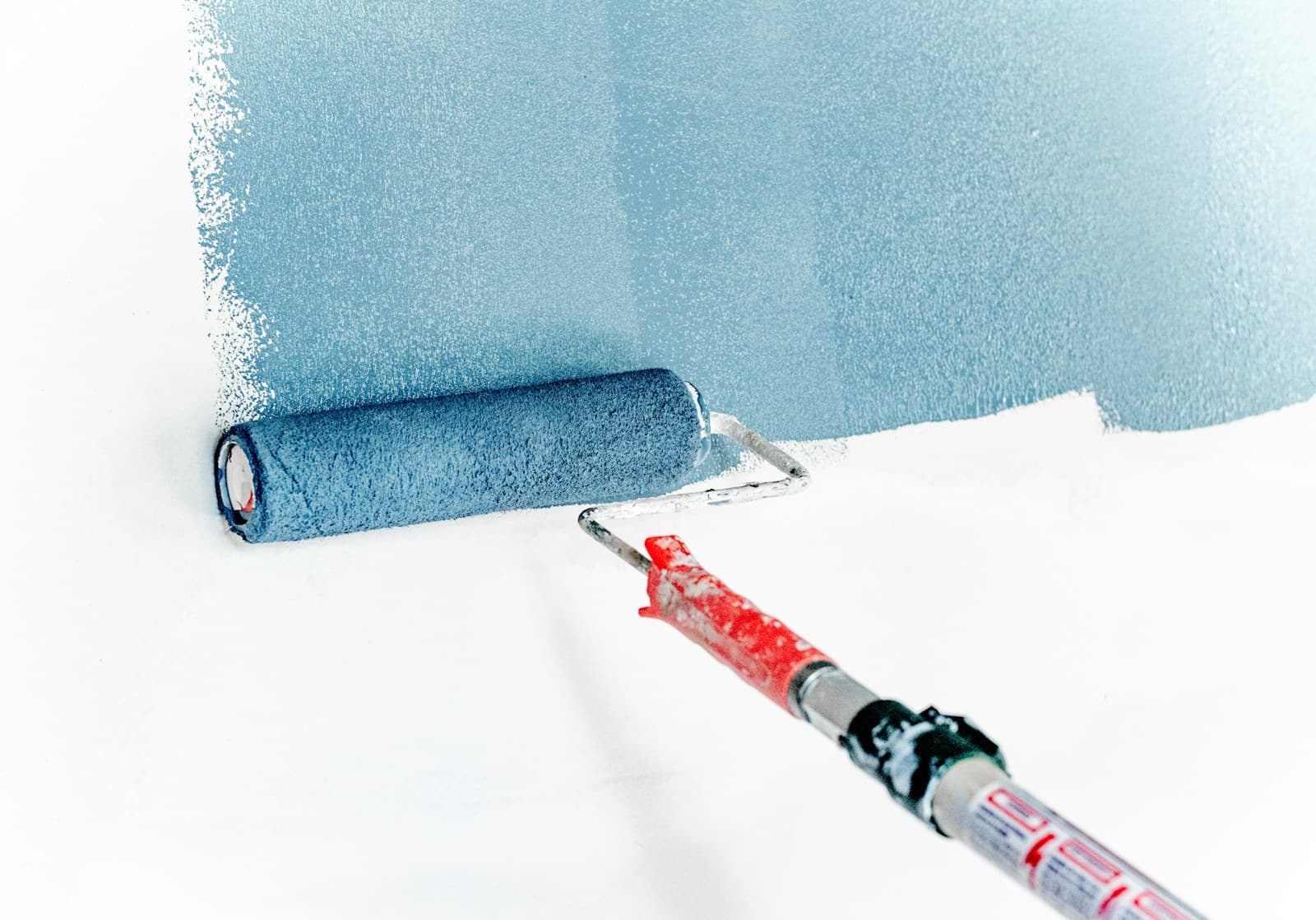
A gallery should prove a claim
Random finished photos show activity but leave the visitor to interpret quality and relevance. Group examples by service and explain the problem, work completed and result.
Use honest, comparable images
Keep before and after angles consistent, avoid filters and get permission when a property or customer can be identified. Authenticity matters more than studio polish.
Practical framework
Turn project images into proof
Use this simple review when a page feels polished but still does not create enough calls or quote requests.
Problem
Explain what the customer needed fixed.
Work
Name the service and relevant constraints.
Result
Show why the outcome should matter to a similar visitor.
Tell the story around the photographs
Name the service, describe the original issue and add one or two useful details about the solution. Keep it honest. You do not need dramatic marketing language when the contrast and explanation are clear.
Use consistent angles and lighting when possible, but do not over-edit. Ask permission before showing identifiable homes, vehicles or customers. Trust built with a photograph can disappear quickly if the image feels staged or misleading.
Illustrative LeadPathScore finding
What we found
Project photos may look good but lack context.
Evidence
Images appear without the problem, service or outcome clearly described.
Why it matters
Visitors need to know whether the work is relevant to their own situation.
Recommended direction
Add one sentence of context beside each important project example.
Quick checklist
What to check on your own website
- Pair comparable before and after views
- Name the service and original problem
- Add the location only with permission
- Avoid filters that change the result
- Link each project to the relevant quote action
Connect proof to action
Place a service-specific call to action after each project group. A visitor convinced by a similar job should be able to request that service immediately.
The bottom line
Start with five well-documented projects instead of fifty unexplained photos. Quality of evidence beats the size of the gallery.
Scan your own homepage
See the first lead leaks this guide is talking about
Run the same free scan flow from this article. The result opens a dedicated report link for the submitted homepage.
About LeadPathScore
LeadPathScore publishes practical guides for local service businesses that want clearer websites, stronger trust signals and easier paths to calls or quote requests.