Why local service websites lose ready buyers in the first 10 seconds
A visitor can need your service and still leave. Here are the first-screen gaps that make a ready buyer hesitate.
Written by LeadPathScore Editorial Team
July 14, 2026
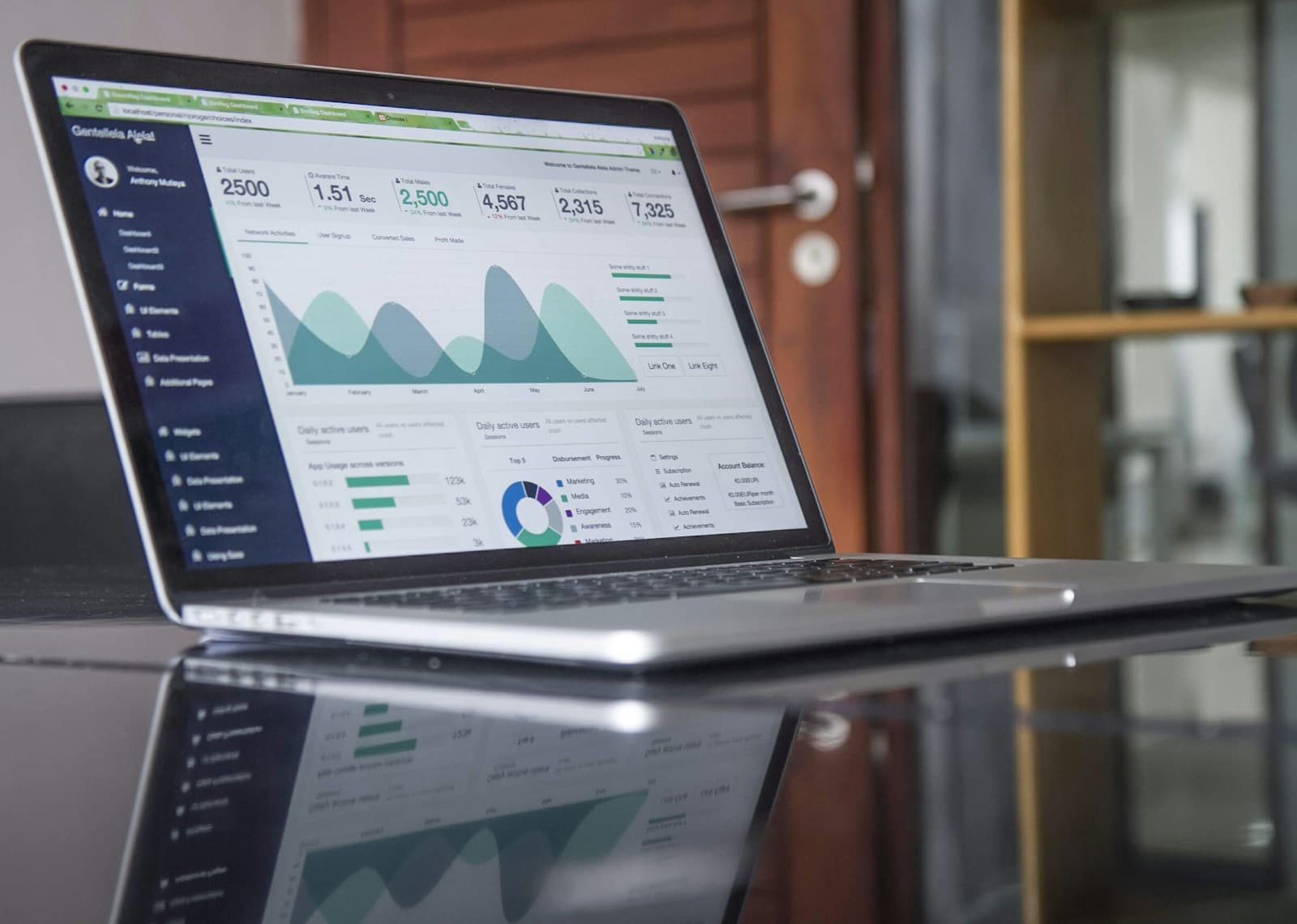
You can do everything right offline and still lose a customer online. The phone rings less than expected, the quote form stays quiet and it is tempting to blame traffic. Sometimes traffic is not the problem at all. The visitor arrived with a real need, looked at the homepage for a few seconds and quietly decided to keep searching.
That decision rarely comes down to one dramatic mistake. It is usually a small pile of uncertainty: a headline that could belong to any company, no clear service area, a phone number hidden in the menu and reviews that appear three screens too late. None of those issues looks fatal on its own. Together, they make the site feel like work.
A ready buyer should not have to decode your business before they can contact it.

A ready buyer is still comparing
Urgency does not remove doubt. A homeowner with a leaking roof or a business owner with a broken HVAC system still needs to know that they reached the right company. If the first screen makes them interpret vague language, search for a service area or hunt for a phone number, the easier competitor wins.
The opening screen should answer three questions immediately: what you do, where you do it and what the visitor should do next. Everything else supports those answers.
Clarity comes before cleverness
A memorable slogan can support a strong offer, but it cannot replace one. Use a direct headline that names the service and outcome, then add proof such as years in business, response time, licensing or a review rating close to the main action.
First-screen framework
Three questions the first screen must answer
The first screen should reduce uncertainty before the visitor starts comparing alternatives.
What does this business do?
The headline should name the service or outcome in plain language.
Does it serve my location?
If geography matters, the page should make coverage easy to confirm without a hunt.
What should I do next?
One call, quote or booking path should be visible and easy to understand.
What a local customer is really looking for
Most visitors are not trying to study your company. They are trying to lower risk. They want to know whether you handle their problem, whether you come to their area, whether other people had a good experience and whether contacting you will be simple. A homepage that answers those questions feels fast even before we talk about loading speed.
This is why a polished design cannot carry vague copy. A beautiful hero image with the words Quality you can trust still leaves the visitor guessing. Say what you do in plain language, show one believable reason to trust you and give them one obvious next step. It sounds basic because it is basic—and basic is often what is missing.
Illustrative LeadPathScore finding
What we found
The first screen may not answer the buyer's main questions quickly enough.
Evidence
The main headline is broad, the location cue is not visible early and the primary contact action competes with secondary links.
Why it matters
A ready buyer can leave before reading the rest of the page if the opening screen makes them work too hard.
Recommended direction
Lead with the service, add a simple coverage cue and make the contact action the most obvious element.
Quick checklist
What to check on your own website
- Name the main service in the first headline
- Show the city or service area near the top
- Place one primary call or quote action above the fold
- Add specific proof before asking for commitment
A practical first-screen check
Open your homepage on a phone and give yourself ten seconds. Can you name the main service, confirm the company serves your area and start a call or quote request without scrolling? If not, fix those three points before adding more traffic.
The bottom line
Fix the first ten seconds before adding more pages, animations or ad spend. When the opening is clear, every other section has a better chance of being read.
Scan your own homepage
See the first lead leaks this guide is talking about
Run the same free scan flow from this article. The result opens a dedicated report link for the submitted homepage.
About LeadPathScore
LeadPathScore publishes practical guides for local service businesses that want clearer websites, stronger trust signals and easier paths to calls or quote requests.